Fast Answer: Do Not Trust a Fake BOMBANANA Calculator
The useful answer for BOMBANANA calculator searches is not a web tool that pretends to know every module state. Public Steam information does not publish a stable formula, versioned answer table, checksum, or complete module specification that would let a fan site calculate a guaranteed action for every build. A calculator page that asks for a few numbers and outputs a precise instruction would look helpful, but it would be making a claim this site cannot verify.
The safer page type is a calculator module guide. It teaches the structure your team can use when a number, math, or keypad-like panel appears during the demo. One player observes the bomb state, one player interprets the manual branch, and the speaking bridge carries only the final confirmed action. The goal is not to memorize one answer. The goal is to stop the number panel from turning into three people shouting partial values at the same time.
This page belongs beside the BOMBANANA manual guide, but it has a narrower job. The manual guide explains the full callout system. This page focuses only on calculation-style modules, calculator searches, number panels, and the difference between puzzle help and invented answer generators.
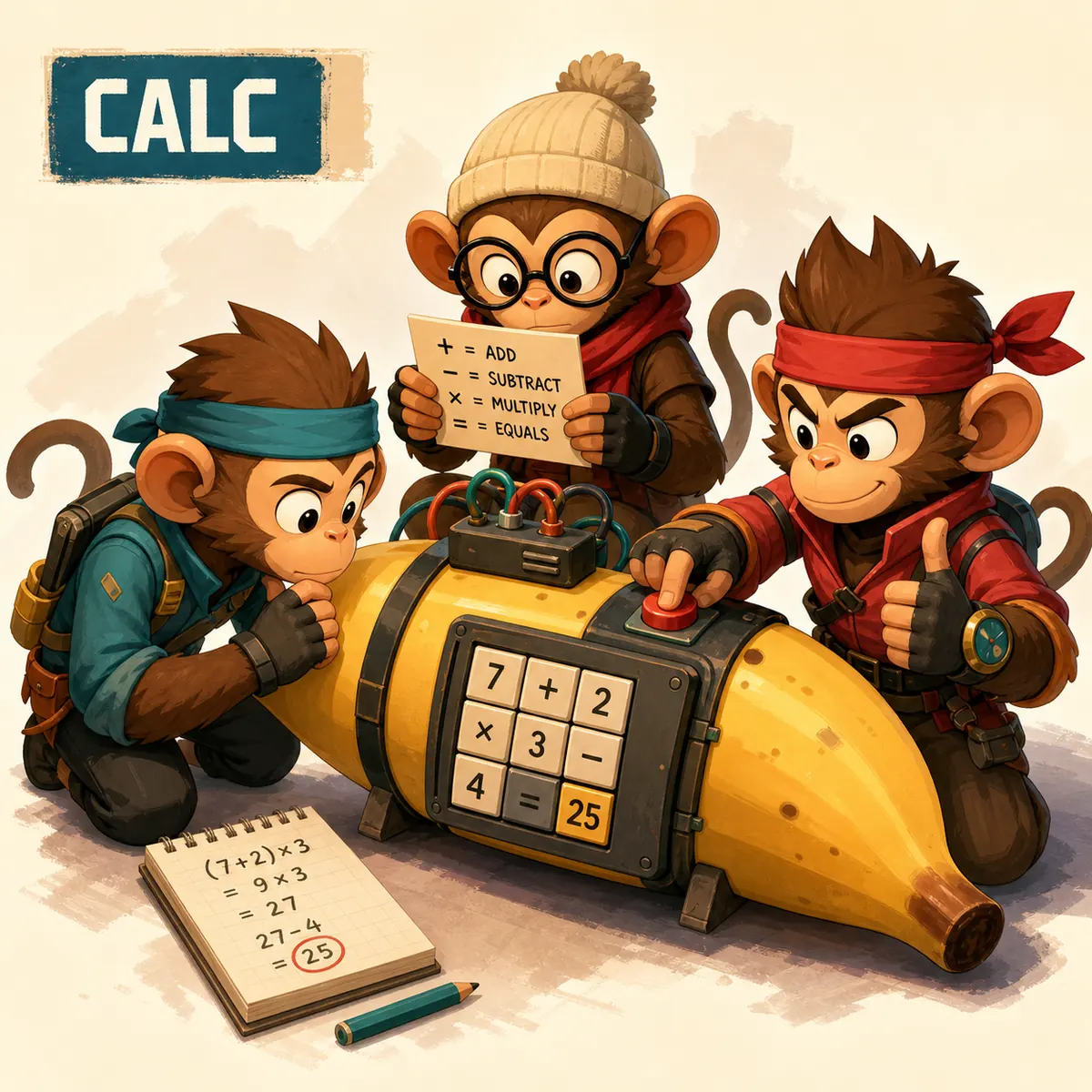
BOMBANANA Calculator Module: 5 Steps Before You Press
Use the same sequence every time. A repeatable sequence matters more than speed because calculator mistakes usually happen when the team mixes raw numbers, intermediate math, and the final action. If the handler hears three values, the wrong one can feel correct under the timer.
- Name the module. Say whether the panel looks like calculator, number, keypad, comparison, or arithmetic. If the team has a different name, lock that name before the run.
- Read the state exactly. Report visible digits, symbols, lights, order, selected cell, and any current display. Do not simplify yet.
- Separate calculation from action. The manual player can do the rule branch or math, but should not shout every intermediate value unless the bridge asks for it.
- Repeat one final instruction. The bridge says a single action such as press 4, enter 12, clear first, or wait for the next state.
- Confirm after state changes. If a digit, light, or display changes, restart the callout instead of continuing from memory.
That process is deliberately boring. BOMBANANA rewards boring callouts because the three roles make ordinary instructions fragile. A clean calculator module run sounds like a checklist, not like a debate.
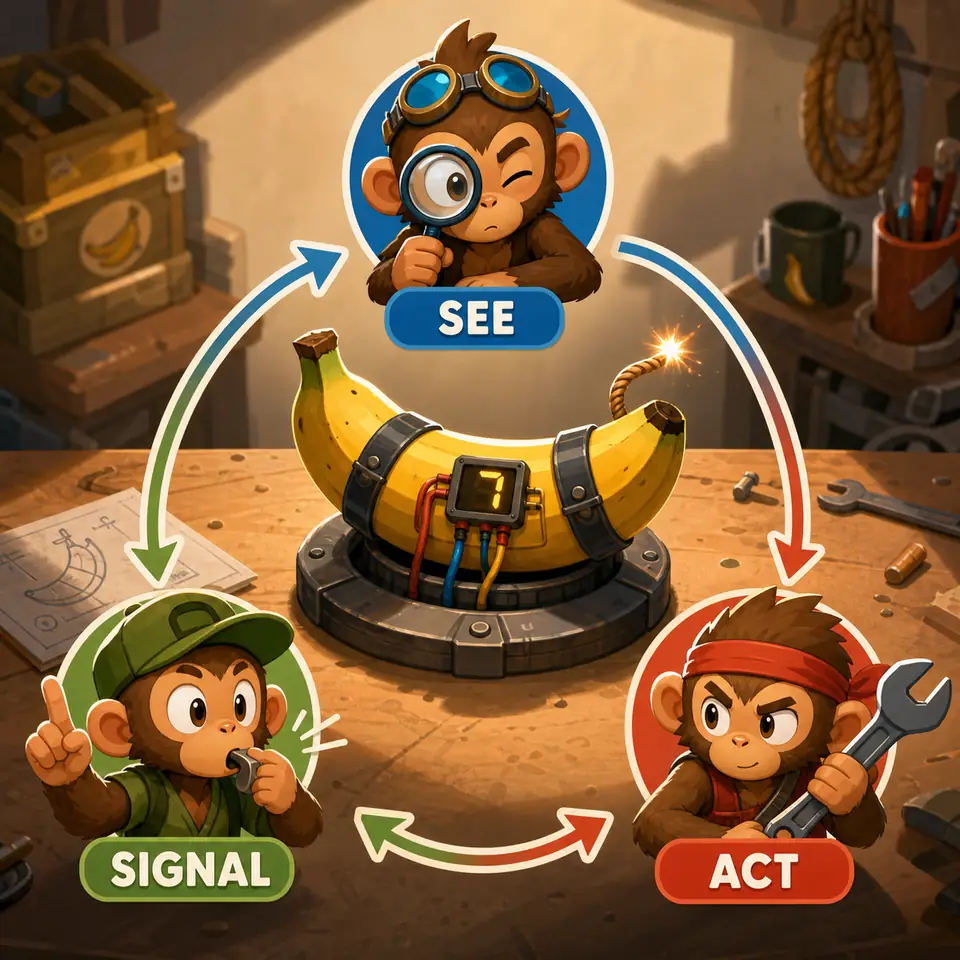
What to Report on Number, Math, and Calculator Panels
Searches for calculation module bombanana and bombanana calculator are usually asking for practical module help. The table below turns that intent into a pre-run reporting checklist. It does not claim that every build has the same module names or that one public answer fits all versions.
| Panel clue | Handler reports | Manual player decides | Bridge says |
|---|---|---|---|
| Simple digits | Every digit, order, current highlight, and any locked field. | Which digit matters and whether order changes the branch. | One digit or button action. |
| Arithmetic sign | Expression, symbol, result display, and whether negative or decimal values appear. | Whether the branch uses raw expression, final result, parity, or comparison. | One final value or a clear instruction to wait. |
| Keypad layout | Button layout, disabled keys, current cursor, and confirm key position. | Input order and whether confirm is separate from entry. | Press sequence with confirm timing. |
| State change after input | What changed after the last press: digit, light, sound, or reset. | Whether the module advanced, failed, or needs a new branch. | Continue, reset, or stop. |
The important distinction is raw information versus final action. Raw information helps the manual player choose a branch. The final action is the only thing the handler should execute.
Common Calculator Module Mistakes
The first mistake is treating the module like a solo math question. If one player calculates privately and the handler presses immediately, the rest of the team cannot catch a perspective error, wrong symbol, or changed display. The second mistake is over-reporting. Long streams of digits can be worse than silence when the bridge cannot tell which value is final.
The third mistake is confusing module count with level count. A calculator panel is a module inside a bomb or mission. It does not prove how many BOMBANANA levels exist, and it should not be used to build a fake level calculator. For progress questions, use the BOMBANANA levels guide. For full role flow, use the gameplay guide. For safe install boundaries, use the PC download guide.
| Mistake | Why it fails | Safer replacement |
|---|---|---|
| Pressing the displayed result | The manual may require a branch result, not the visible equation result. | Ask the manual player to name the final action. |
| Changing values mid-callout | The manual decision may now apply to an old state. | Restart from module name and current display. |
| Using a generic answer tool | The tool may not match the active demo build. | Use official Steam plus team callouts. |
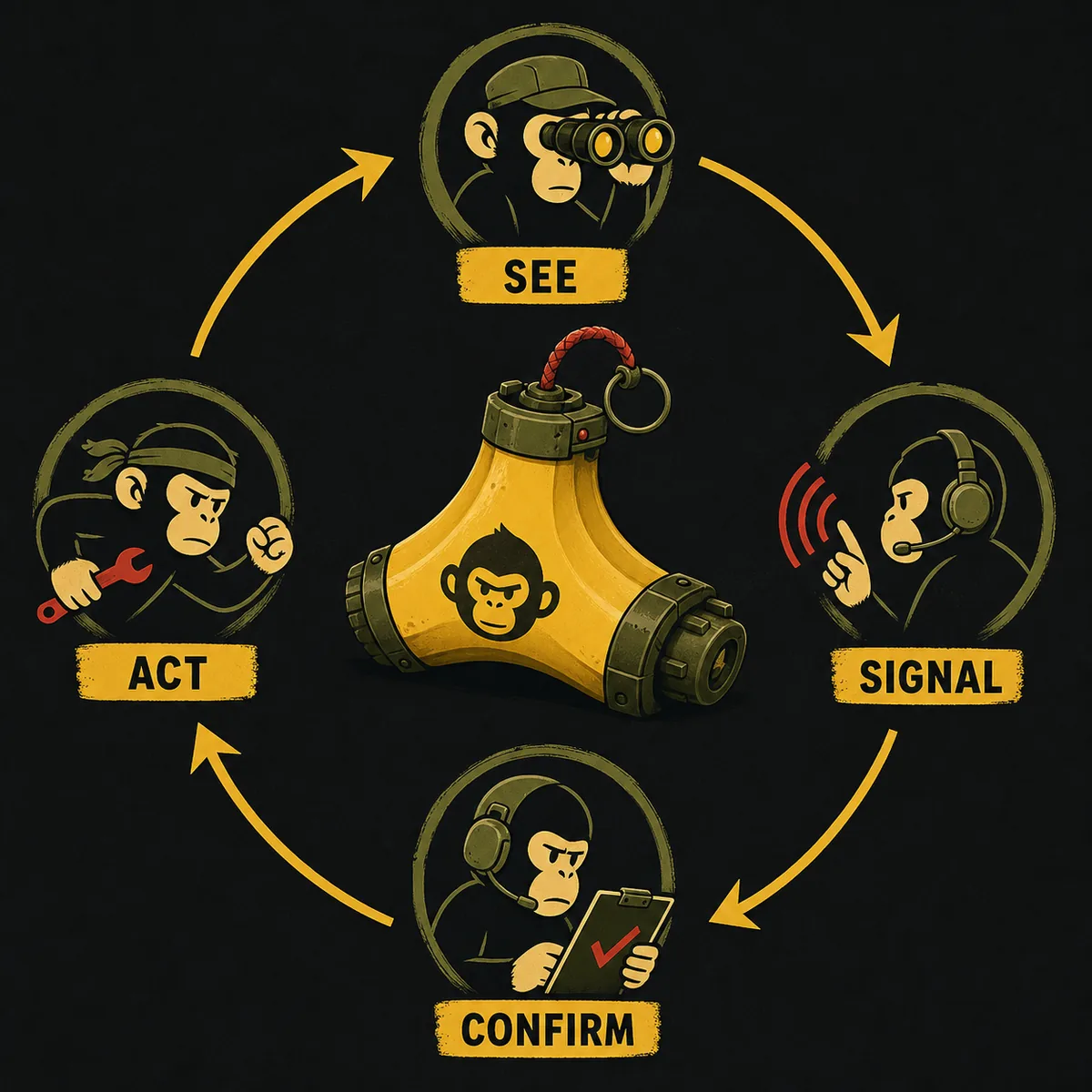
Why This Page Is Not an Online Calculator
A real online calculator page should complete a dependable task from user input to output. For BOMBANANA, the public source boundary does not support that. Steam identifies the game and demo, but it does not publish a versioned calculator-module dataset. Community observations can help players discuss builds, yet they are not a durable formula. This site therefore avoids outputting exact instructions that could become wrong after an update.
Download-site freshness was also checked before writing: the official route remains Steam. No first-party direct installer, APK, file size, checksum, semantic version, or standalone package name was verified for this article. The page uses official Steam links and does not host files.
The information gain over existing results is the boundary itself. A generic manual article says “communicate clearly.” This page shows exactly what to say for numeric panels, how to separate raw values from final actions, and why calculator intent should not be turned into a fake tool.
BOMBANANA Calculator Module FAQ
Is there a BOMBANANA calculator for instant answers?
No reliable public calculator can be verified for every build. Treat calculator searches as module-help intent and use a repeatable read, branch, confirm workflow instead of trusting an answer generator.
What should I report first on a calculation module?
Report the module name, every visible number or symbol, the current state, and the exact player perspective before anyone presses a key or toggles a control.
Does a calculator module count as a level?
No. A calculator or number panel is one puzzle module inside a bomb or mission. It should not be counted as a separate BOMBANANA level.
Can this guide replace the manual?
No. This guide teaches communication structure. The manual player still has to choose the current rule branch from the active build.
Where should I download BOMBANANA?
Use the official BOMBANANA Steam page for current availability. This fan site does not host installers, APKs, repacks, checksums, or direct files.
Sources and Scope
Official facts were checked from Steam App 4656000 and Steam App 4747510 on July 31, 2026. GSC showed low-position calculator and calculation-module queries, while Similarweb provided directional evidence for the broader BOMBANANA manual and module cluster.