Fast Answer: BOMBANANA Is Light, but Co-op Stability Still Matters
BOMBANANA is a three-player online co-op puzzle game, so its listed hardware requirements are modest compared with large 3D action games. The current official Steam listing asks for Windows 10 or 11 64-bit, an Intel Core i3-6100 or AMD Ryzen 3 1200, 8 GB RAM, Intel HD Graphics 520 or AMD Radeon Vega 3, and 300 MB of storage at minimum. It also lists macOS 11 or later, Apple M1 or a 6th-generation Intel Core i3, 4 GB RAM, and 600 MB of storage as a macOS minimum.
That means the main question is not whether your machine is a high-end gaming rig. It is whether the device can keep a stable frame rate, handle voice chat or screen-sharing tools if your team uses them, and stay connected without thermal throttling. For a communication-heavy game like BOMBANANA, a low-spec laptop that technically launches but drops input, audio, or network stability can still hurt the run.
Official BOMBANANA System Requirements, Explained
The table below separates the current Windows and macOS fields from the same released Steam listing. The Windows figures come from the main BOMBANANA Steam AppDetails response checked on October 30, 2026, and the macOS figures are present in its current mac_requirements block. If Steam changes the fields, treat the live product page as the authority.
| Spec item | Windows minimum | Windows recommended | Former Demo Mac minimum |
|---|---|---|---|
| Operating system | Windows 10/11 64-bit | Windows 10/11 64-bit | macOS 11.0 Big Sur or later |
| Processor | Intel Core i3-6100 / AMD Ryzen 3 1200 | Intel Core i5-8400 / AMD Ryzen 5 2600 | Apple M1 or Intel Core i3 6th gen+ |
| Memory | 8 GB RAM | 16 GB RAM | 4 GB RAM |
| Graphics | Intel HD Graphics 520 / AMD Radeon Vega 3 or equivalent | Intel Iris Xe / NVIDIA GTX 1050 / AMD RX 560 | Apple M1 integrated GPU / Intel Iris Plus 640 or equivalent |
| Storage | 300 MB available space | 300 MB available space | 600 MB available space |
For practical use, treat the minimum line as “the game should launch” and the recommended line as “the run should feel safer when the timer, voice communication, and team mistakes pile up.” BOMBANANA is built around broken communication between blind, mute, and deaf monkey roles, so responsiveness matters even when the visual requirements look gentle.
For a separate answer about Xbox console availability, PC-to-Xbox crossplay, and Xbox controller questions, read the BOMBANANA Xbox platform guide. It keeps platform claims separate from PC, Mac, and Steam Deck requirements.
Laptop, Integrated Graphics, and Mac Advice
The minimum GPU examples are integrated graphics chips, which is good news for students, stream viewers, and players using family laptops. Intel HD Graphics 520 is an older integrated GPU, while AMD Radeon Vega 3 appears in low-power Ryzen systems. If your laptop is newer than those examples and has working drivers, the former Demo requirements are a useful historical compatibility signal; recheck the current main listing before installing.
The bigger laptop risk is heat. A thin Windows laptop may pass the listed CPU and GPU line but throttle after several minutes, especially if Discord, browser tabs, recording software, or a screen-share are open. Close non-essential apps, plug in power, set the laptop on a hard surface, and run one practice bomb before judging the game.
For Mac players, the current Steam listing includes macOS 11.0 or later, Apple M1 or Intel Core i3 6th gen or later, 4 GB RAM, and 600 MB storage at minimum. Apple Silicon machines may still be a safer bet than older Intel Macs, but storage and OS version matter. Recheck Steam after updates.
Safe Download and Install Notes
Use the official BOMBANANA Steam page for the current product on Windows or macOS. The current listing was checked on October 30, 2026; Steam exposes storage requirements but no stable public standalone installer URL. A small storage footprint can make unofficial mirrors look harmless, but a "300 MB" download from a random site is still not a trusted installer.
- Open the official BOMBANANA Steam page and confirm the app name, developer, and platform support.
- Check your OS version, CPU generation, RAM, graphics chip, and free storage before installing.
- After the current product is available, install through Steam and run one short private test before inviting a full three-player team.
- If the game stutters, lower background app load before assuming the hardware is unsupported.
If your group plans to use voice chat, remember that Steam’s storage number does not include Discord, browser tabs, recording tools, or overlays. On a low-memory system, those background tools may be the difference between a smooth run and delayed communication.
Device Check: Low-End PC, Mac, and Steam Deck Planning
Because BOMBANANA is a small co-op puzzle game, the requirement table can look simple. The practical question is more specific: will the device stay stable while three players talk, watch, translate, and correct mistakes under timer pressure? Use the checklist below before blaming the game or buying new hardware.
| Setup | Check this first | Best action |
|---|---|---|
| Older Windows laptop | Meets Windows 10/11 64-bit, 8 GB RAM, integrated GPU, and 300 MB storage. | Compare the current Steam requirements, close overlays and voice apps you do not need, then test a short session before a full team run. |
| Current macOS setup | macOS 11 or later, Apple M1 or supported Intel Core i3, 4 GB RAM, and 600 MB storage. | Update macOS first if possible; do not use unofficial ports or wrapper downloads. |
| Steam Deck or handheld PC | Steam verification status, controller mapping, online co-op behavior, and text readability. | Treat it as a compatibility test until Steam shows a reliable verified status for your setup. |
| Three-player co-op group | Network stability, headset route, Discord or Steam voice load, and whether someone is streaming. | Run one short practice bomb and fix audio or lag before attempting harder modules. |
If BOMBANANA Will Not Launch or Feels Unstable
Start with the boring checks first: update your graphics driver, restart Steam, verify game files, and confirm that Windows or macOS matches the listed version. If you are barely above minimum specs, test without overlays, recording, browser streams, and unnecessary background apps.
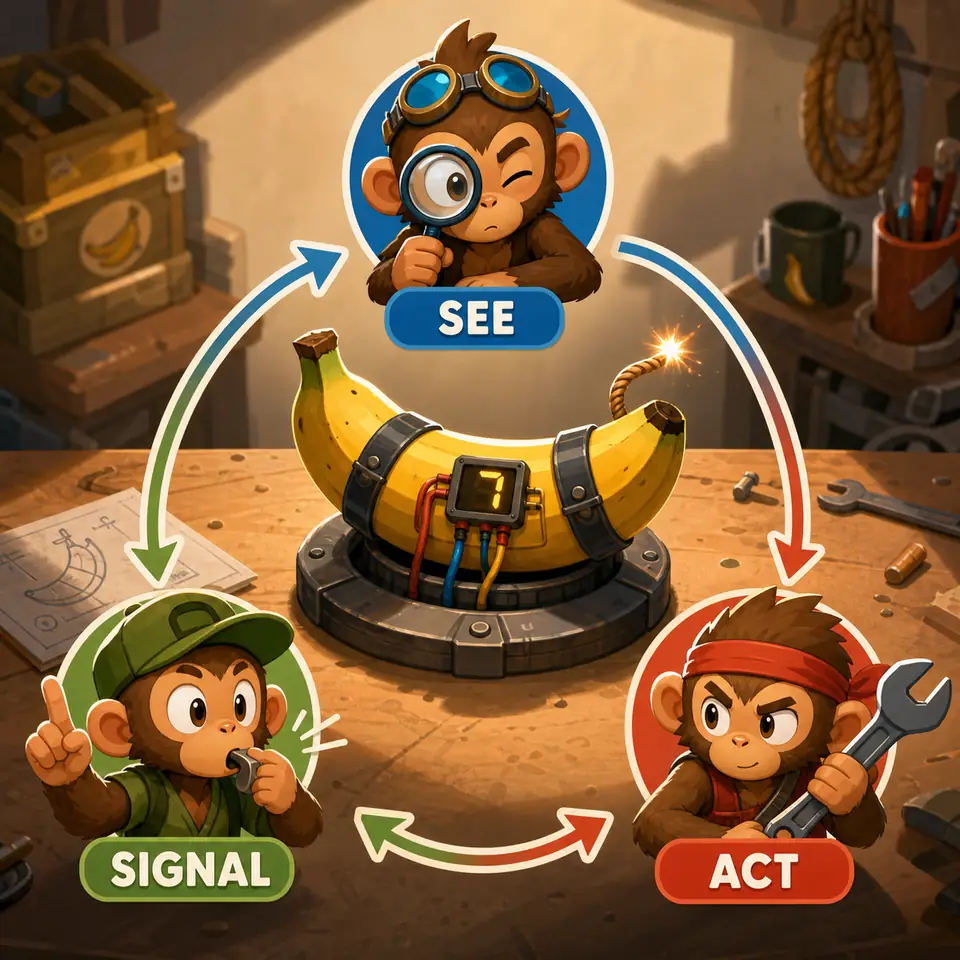
For three-player co-op, also separate performance problems from communication problems. A player may think the game is lagging when the real problem is unclear role language or a delayed voice relay. Use a quick readiness checklist before the timer starts: who touches the bomb, who reads the manual, who speaks, and what signals mean stop, repeat, yes, and no.
| Problem | What to check first | Why it matters |
|---|---|---|
| Game does not launch | OS version, 64-bit support, Steam file verification, GPU driver | These match the official requirement fields most directly. |
| Stutter during co-op | Background apps, thermal throttling, low RAM, screen recording | The game is light, but communication tools can add load. |
| Voice or relay delays | Network quality, headset route, Discord/Steam voice settings | BOMBANANA depends on fast role translation, not just visuals. |
BOMBANANA System Requirements FAQ
Can a low-end laptop run BOMBANANA?
A low-end laptop could run BOMBANANA if it meets the current Windows or macOS CPU, RAM, graphics, OS, and storage fields. The current Windows minimum lists 8 GB RAM; close background apps and test a short run before inviting a full group.
Does BOMBANANA support Mac?
The current BOMBANANA Steam listing includes macOS 11.0 or later and Apple M1 or an Intel Core i3 6th gen or later, with 4 GB RAM and 600 MB storage at minimum. Recheck Steam because platform support can change.
How much storage does BOMBANANA need?
The current Steam listing shows 300 MB available space for Windows and 600 MB for macOS. Keep extra free space for Steam updates and operating system cache instead of leaving only the minimum.
Is BOMBANANA on Steam Deck?
Steam Deck compatibility can change and may not be officially verified yet. Because the listed Windows requirements are light, it may be technically possible, but controller behavior, online co-op, and verification status should be checked on Steam before relying on it.
Where should I download BOMBANANA?
Use the official BOMBANANA Steam page for current availability and requirements. Avoid APK pages, cracked downloads, repacks, or system-requirement fixer tools because they are not needed to check the real specs.
Is BOMBANANA verified for Steam Deck?
Steam Deck status should be checked directly on Steam because verification can change. The listed PC requirements are light, but controller mapping, online co-op, and small on-screen instructions still need a real test.
Why do some spec sites show different BOMBANANA requirements?
Third-party spec pages can lag behind Steam or mix demo and full-game fields. When a number conflicts, use the official Steam page first and treat this guide as a practical explanation of those listings.
Sources Checked
This guide uses the current Steam listings as factual sources and treats release-period details as time-sensitive.